Ultimate Guide to Color Grading
What It Is and How It Transforms Your Visual Content
Ultimate Guide to Color Grading
What It Is and How It Transforms Your Visual Content
Ultimate Guide to Color Grading
What It Is and How It Transforms Your Visual Content

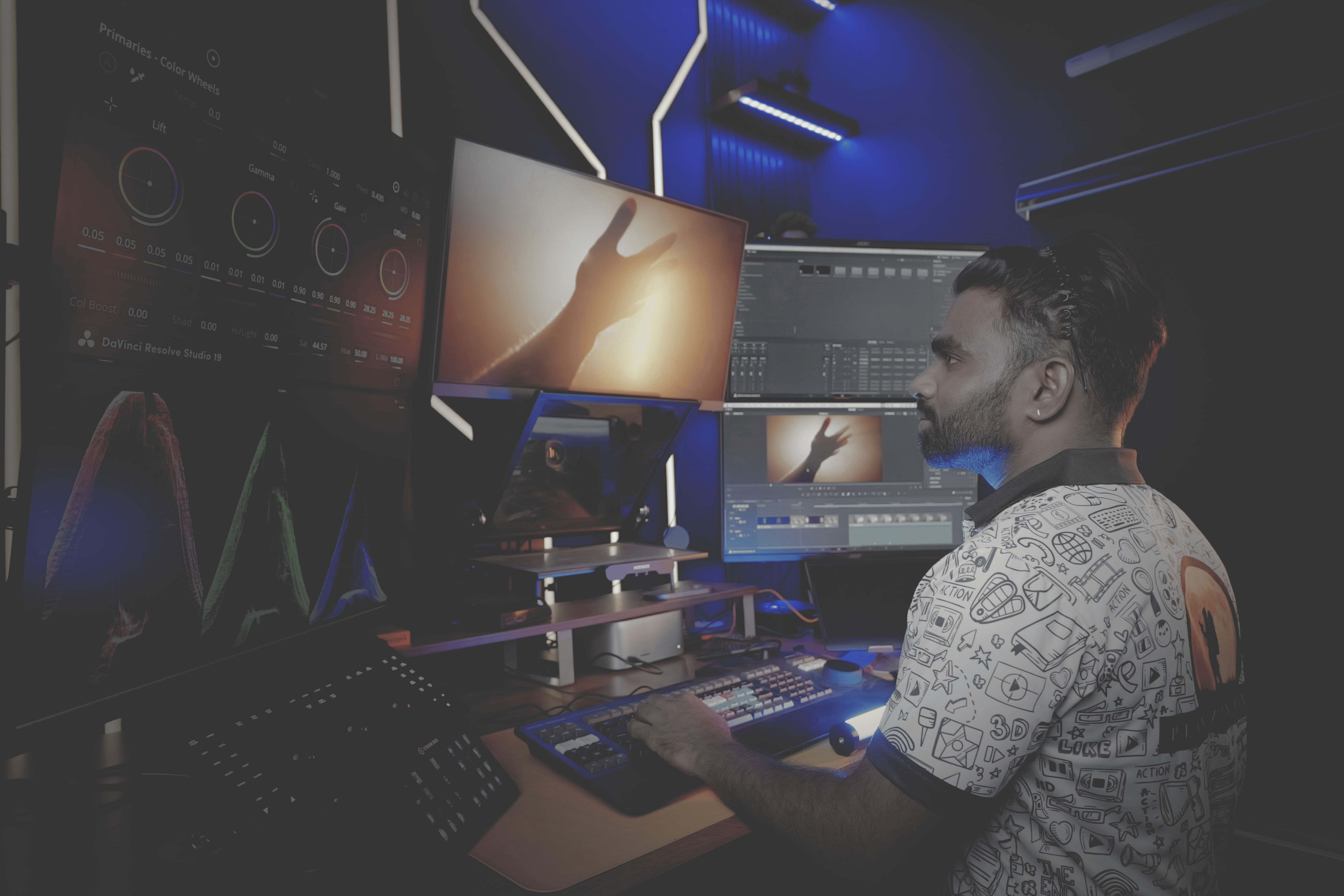
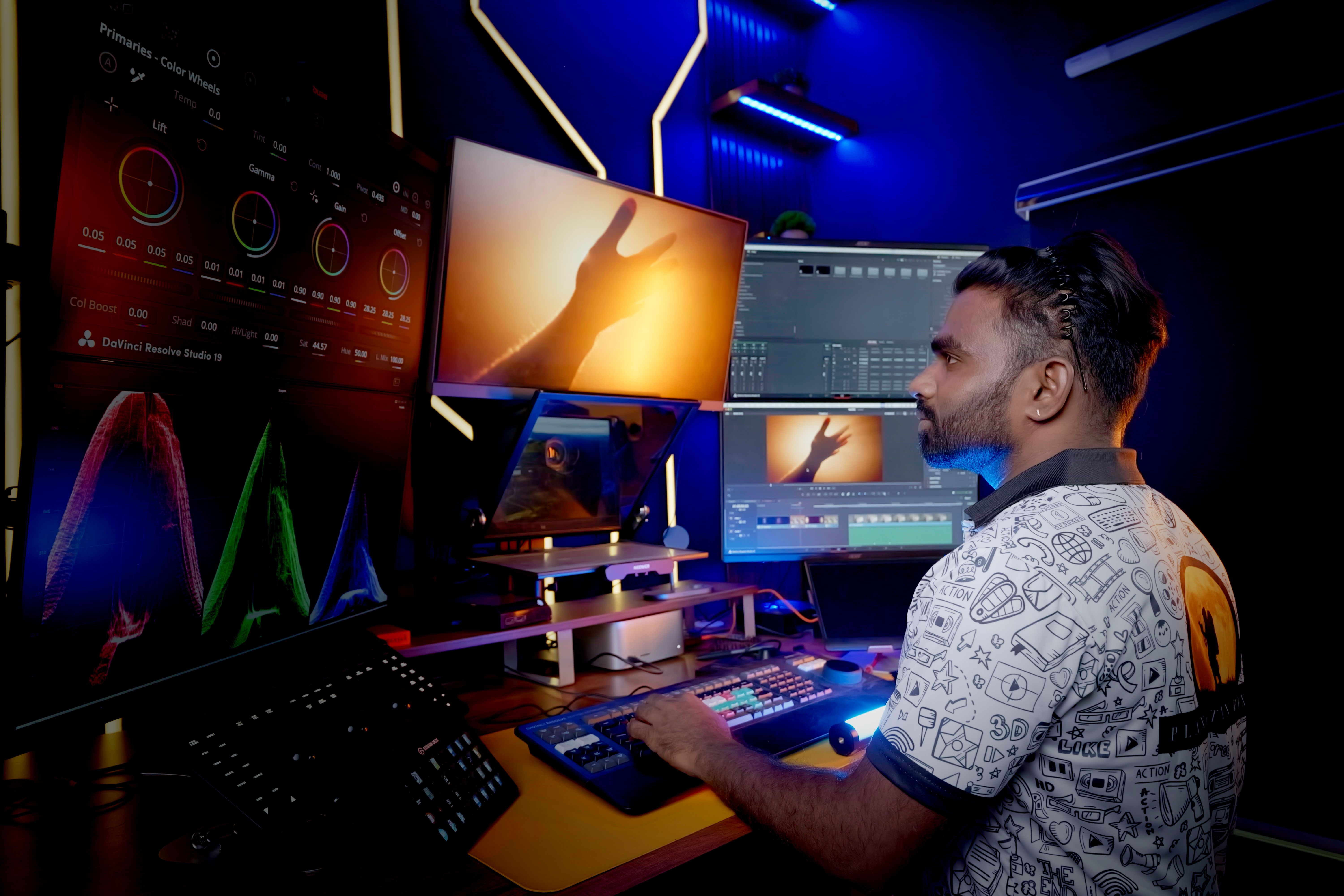
If you’re looking to boost your video quality or enhance your photos, understanding color grading is the key to creating stunning, cinematic visuals.
Ultimate Guide to Color Grading
What It Is and How It Transforms Your Visual Content

If you’re looking to boost your video quality or enhance your photos, understanding color grading is the key to creating stunning, cinematic visuals.
What is Color Grading?
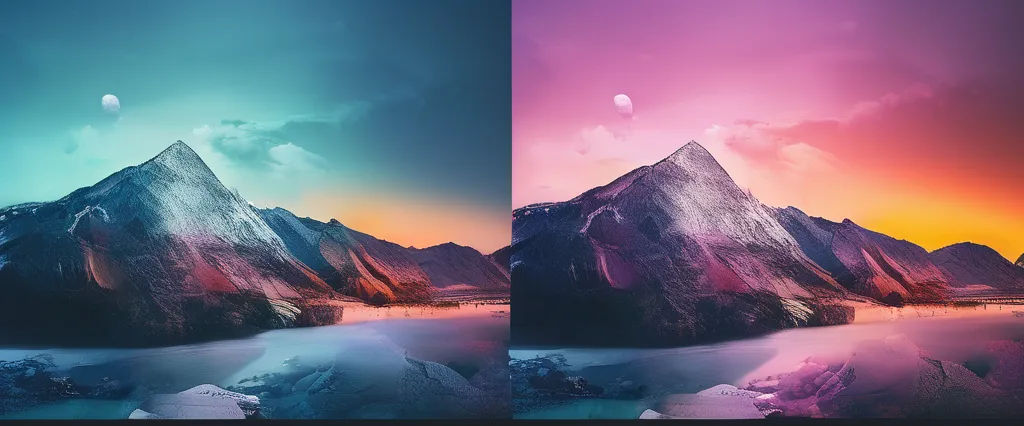
Color grading is the process of adjusting the colors, contrast, and overall look of a video or image during post-production. This step involves enhancing the visual tone, mood, and emotion of the footage by manipulating various elements such as brightness, contrast, saturation, and color balance.
In simple terms, color grading is like applying a filter to your content, but it’s much more advanced and customized to suit your project’s needs. It’s the key element that gives a raw, unpolished footage its cinematic look, whether it’s for films, YouTube videos, commercials, or music videos.
The Importance of Color Grading in Video and Photography
Color grading is an essential part of visual storytelling, and it can make or break the overall impact of your project. Here are some key reasons why color grading is so important:
Enhances Visual Appeal: By adjusting colors and tones, color grading can make your content more visually engaging and professional.
Sets the Mood and Tone: Color grading helps convey emotions and sets the tone of your story. For example, warmer colors may evoke feelings of comfort, while cooler tones may create a sense of mystery or sadness.
Consistency Across Footage: Whether you’re working with multiple cameras or shooting in different locations, color grading ensures that all your footage looks cohesive and polished.
Improves Clarity and Detail: With color grading, you can bring out more detail in shadows, highlights, and midtones, allowing the viewer to see every part of the frame clearly.
Creates Cinematic Looks: Color grading helps your footage achieve the high-quality, cinematic look seen in major productions.
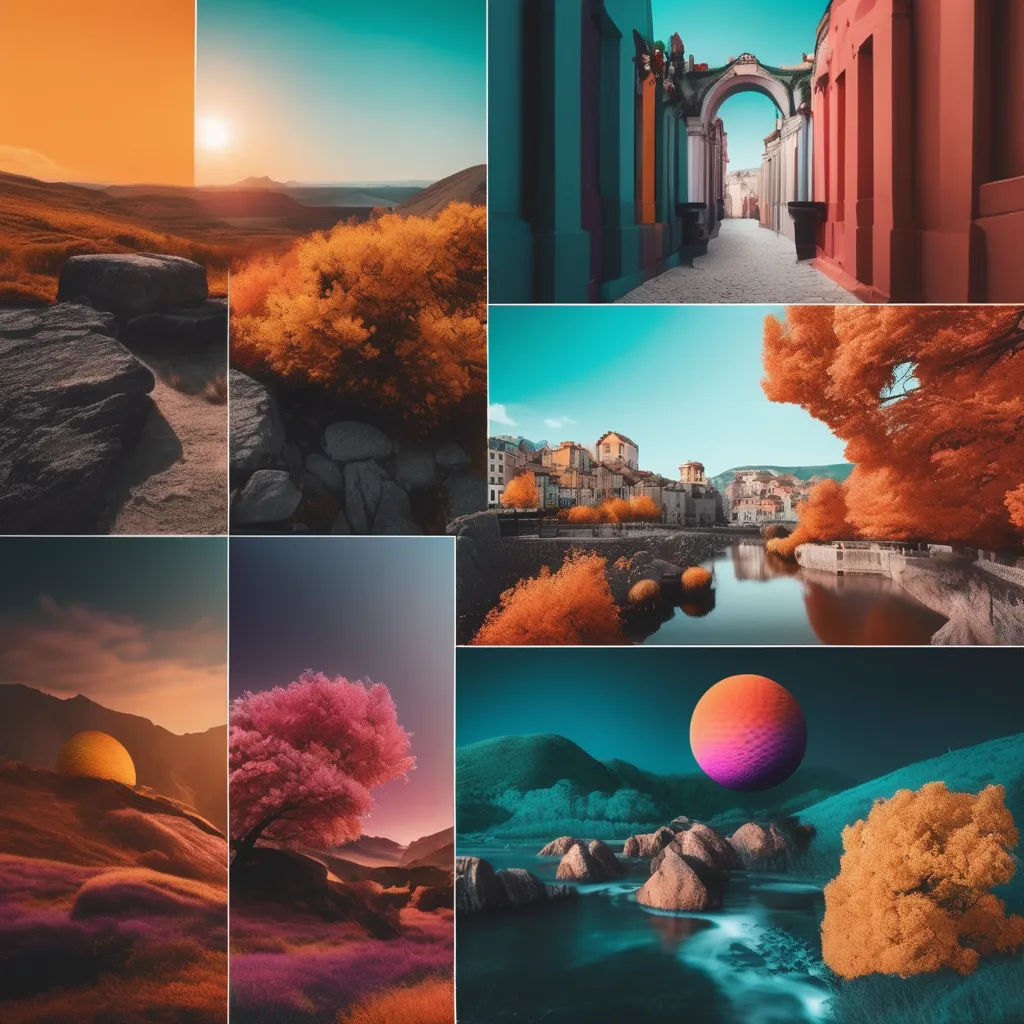
Basic Techniques of Color Grading
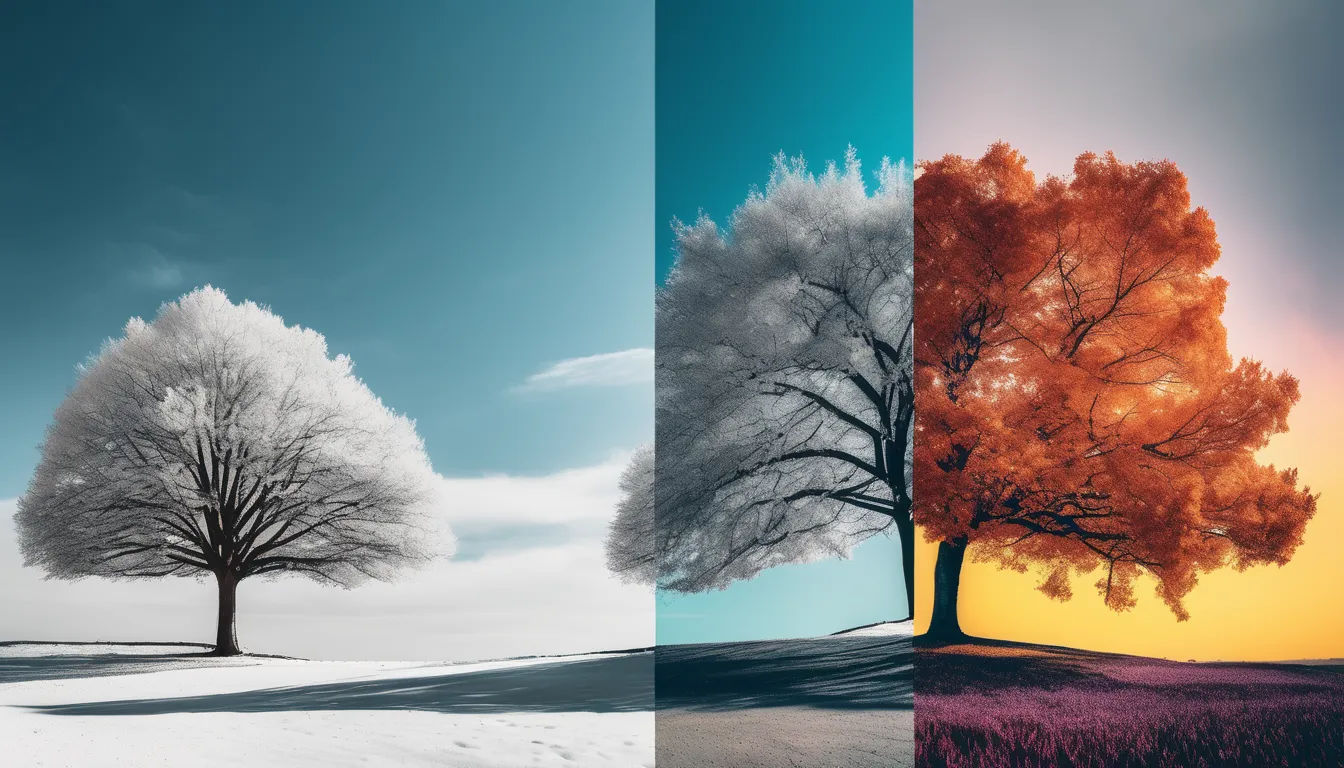
When color grading, there are several essential techniques that you should be aware of:
Primary Color Correction: This is the first step in color grading, where you correct the exposure, contrast, white balance, and color balance to make the image look more natural. It ensures that the footage has accurate colors.
Secondary Color Correction: After primary correction, secondary grading allows you to isolate and adjust specific colors or areas in your footage, such as enhancing the color of skin tones or creating special effects with certain colors.
Saturation and Vibrance Adjustment: Increasing saturation makes the colors in your footage more vivid, while reducing saturation can give it a more muted, vintage look. Vibrance adjustments enhance specific colors without over-saturating others.
Contrast and Exposure Adjustment: This step ensures that the lighting in your video is correct, enhancing shadows and highlights to provide depth.
Look-Up Tables (LUTs): LUTs are pre-set filters used to give your footage a specific color grade, commonly used in film productions. You can create your own LUTs or use existing ones to achieve a desired look.
Adding Film Grain: For a more cinematic and textured look, you may want to add subtle film grain to your footage, especially when going for vintage or retro aesthetics.
Color Grading Tools and Software
To achieve professional-grade color grading, you need to use the right tools. Here are some of the most popular color grading software and tools used by professionals:
DaVinci Resolve: One of the industry-leading color grading software, DaVinci Resolve offers a comprehensive suite for both color grading and video editing. It’s known for its powerful color correction features and intuitive user interface.
Adobe Premiere Pro: Premiere Pro is a well-known video editing software that also offers solid color grading capabilities. Its Lumetri Color panel gives you access to basic and advanced color grading features.
Final Cut Pro X: If you’re a Mac user, Final Cut Pro X offers great color grading options with an easy-to-use interface. It’s widely used by professional editors in the film industry.
Filmora: For beginner and intermediate users, Filmora offers basic color grading tools to adjust brightness, contrast, and saturation with ease.
Avid Media Composer: Avid is another professional video editing software that is widely used for color grading and post-production in Hollywood films.
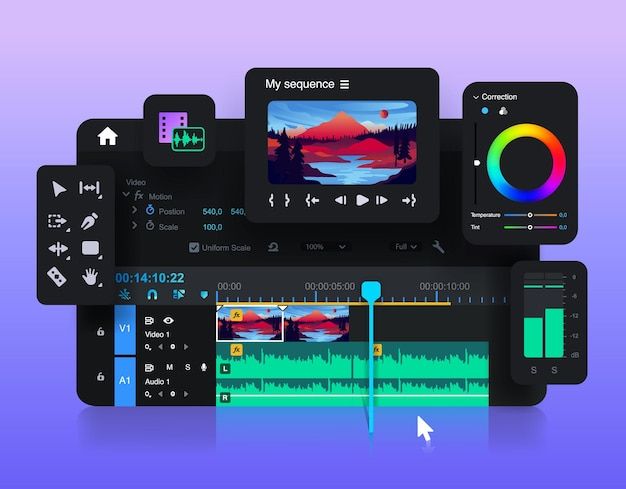
Color Grading vs. Color Correction: What’s the Difference?
It’s important to distinguish between color grading and color correction. While these terms are often used interchangeably, they serve different purposes:
Color Correction: This is the first step in post-production, where you fix the footage’s exposure, white balance, and any other inconsistencies in the colors. The goal is to make the footage look natural and as close to reality as possible.
Color Grading: This comes after color correction and involves manipulating the image for artistic purposes. The goal is to create a specific mood, enhance the look, and make the visuals more engaging.
.png)
Color Grading for Different Types of Content
Film and TV Shows: In films, color grading is crucial for setting the overall tone and atmosphere of the story. Whether it’s a bright, vibrant movie or a dark, moody thriller, color grading helps convey the visual style.
Music Videos: Music videos often use color grading to enhance the music’s mood, with dramatic color changes and stylized looks that align with the track’s tone.
Social Media and YouTube Videos: For content creators on platforms like Instagram, TikTok, and YouTube, color grading can make a huge difference in creating eye-catching content. Bright, vibrant colors often perform better in social media feeds.
Commercials and Advertisements: Commercials rely on color grading to highlight products, evoke emotions, and create a memorable experience for viewers.
How to Start Learning Color Grading
If you’re new to color grading and want to get started, follow these steps:
Choose Your Software: Start by picking one of the color grading software mentioned above (e.g., DaVinci Resolve for beginners, Premiere Pro for intermediate users).
Learn the Basics of Color Theory: Understanding color theory will help you make better decisions about how to use colors to create the right mood and tone for your footage.
Practice with Sample Footage: Experiment with sample videos or images to learn the ins and outs of the software. Many programs offer tutorials for beginners.
Watch Tutorials: There are plenty of online tutorials available to help you learn techniques, tips, and tricks for color grading.
Experiment with LUTs and Presets: Use LUTs to quickly apply cinematic looks to your videos and experiment with them to see what works best for your style.
Conclusion: Mastering Color Grading for Stunning Visuals
Color grading is a powerful tool that can transform ordinary footage into visually stunning content. Whether you’re working on a feature film, YouTube video, or commercial, mastering color grading can elevate your work to the next level.
By understanding the basics of color grading, learning about the right tools, and practicing different techniques, you can create content that resonates with your audience and stands out visually. Embrace color grading as an art form, and you’ll soon see how it can enhance your creative projects.
Ready to dive into the world of color grading? Start experimenting with the tools and techniques mentioned above, and you’ll be on your way to creating cinematic-quality visuals.